
I am writing this post about creating a blog due to the feedback I've had from the Think Entrepreneurship community. There are many people out there who want to get going on a website or blog, but don't know the steps needed to get one started.
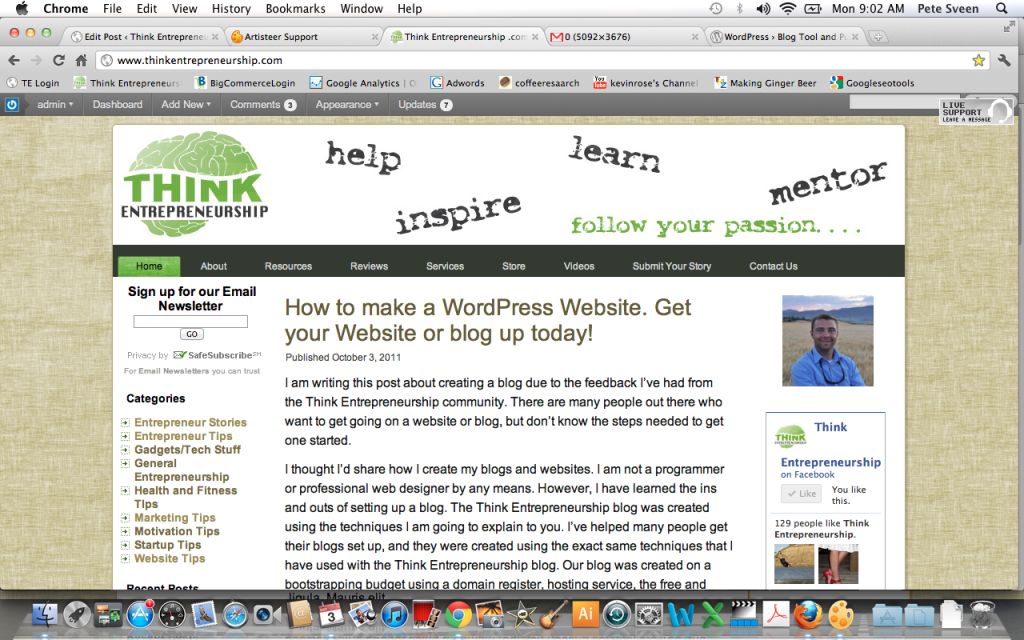
I thought I'd share how I create my blogs and websites. I am not a programmer or professional web designer by any means. However, I have learned the ins and outs of setting up a blog. The Think Entrepreneurship blog was created using the techniques I am going to explain to you. I've helped many people get their blogs set up, and they were created using the exact same techniques that I have used with the Think Entrepreneurship blog. Our blog was created on a bootstrapping budget using a domain register, hosting service, the free and open source WordPress Platform, and a web design program named Artisteer.
Once you've decided on a domain name for your blog or website, you'll need to register it and find a host. I've found that the simplest way to do this is to use a company called Bluehost for both your domain registration and hosting. They are a great company and I've used them for many of my blogs. What I like about Bluehost is that it is a flat $6.95 per month for hosting and the price includes the initial cost of your domain registration. That fee also allows you to host multiple domains under the one account. So if you have three other websites they can all be hosted under the one account for $6.95 per month. The other reason I use Bluehost is because they make it really easy to install the free WordPress Platform on your website.
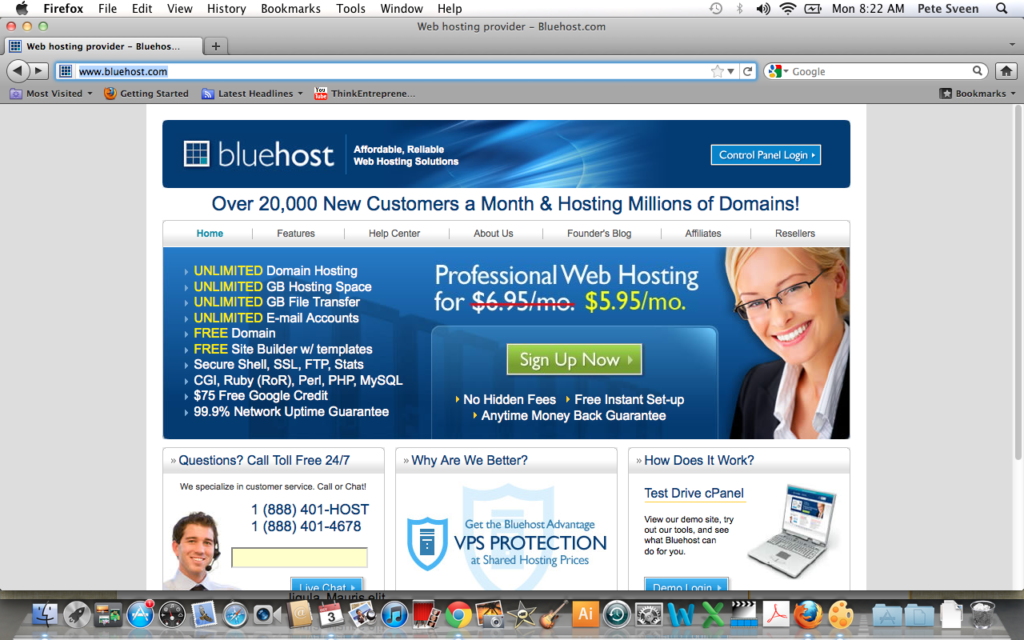
Simply go to the Bluehost website to register your domain and set up hosting. You will also install WordPress with them.
Once you've registered at Bluehost you can go to the hosting section and choose to integrate WordPress (the free blogging platform) into your site. Integrating WordPress is a simple process and only requires a few clicks to set up. After the setup you'll have to wait about a half hour for everything to be integrated. You will then be able to login to your blog (www.yourdomain.com/wp-admin). Go to the settings section to name your blog and to change a few of the basic settings to your liking.
Now you will want download and open Artisteer. This software makes it easy to create a custom theme for your website. You will be able to add your own header and completely customize the site with colors, fonts, columns, and other settings that you choose. It is a pretty simple program to learn and does not involve any coding. When you are done with the theme, you'll want to save it as a wordpress template. Second, export the theme as a zip file. Then log back into your WordPress admin area and upload your theme using the easy upload feature. Preview your site to see how you like it. You can always tweak the template using Artisteer to make changes.
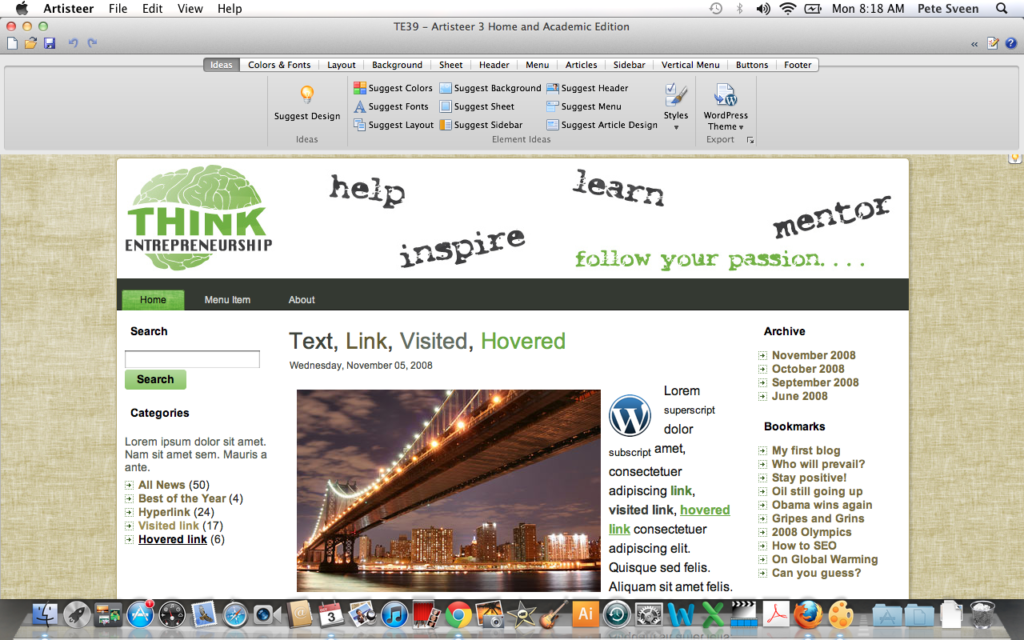
This is a screenshot of the Think Entrepreneurship theme being created in Artisteer.
Now that you have the theme uploaded you'll be able to start adding content. Play around in the WordPress admin area to become familiar with it. You'll be able to add posts, pages, widgets, plugins, and more.
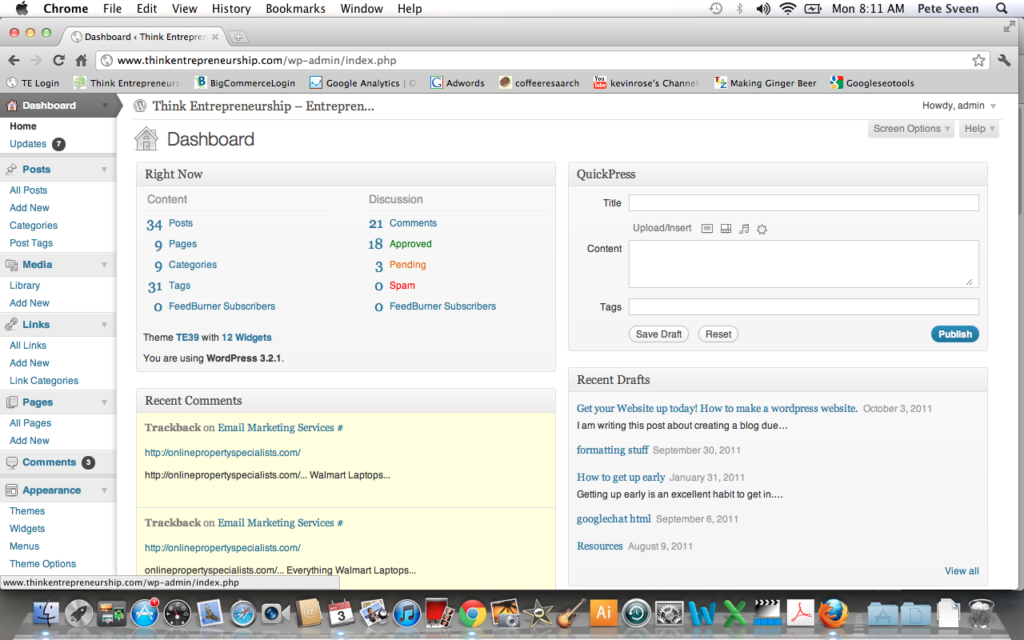
Screenshot of the WordPress administration area
WordPress is an extremely powerful platform used by many of the top bloggers. It will take time to learn the program and master how to use it. I believe the time spent will be well worth it and will help get you on track to create a great blog to share with the world. I've been very happy with WordPress and will continue to use it on all of my blogs. As always, do your research and go with the companies and platforms that you are most comfortable with. If you do choose to use any of my recommendations, it would be very much appreciative if you click on the Artisteer or Bluehost affiliate links in this post. Doing so will help support Think Entrepreneurship so we can continue to write and provide tips for entrepreneurs.
If you do need help getting the domain name with Bluehost, integrating WordPress, or creating your first template with Artisteer you are more than welcome to contact me for blog setup and WordPress consulting services.
Please post any comments or questions you have to this post! Good luck with your blog!